

Introduction
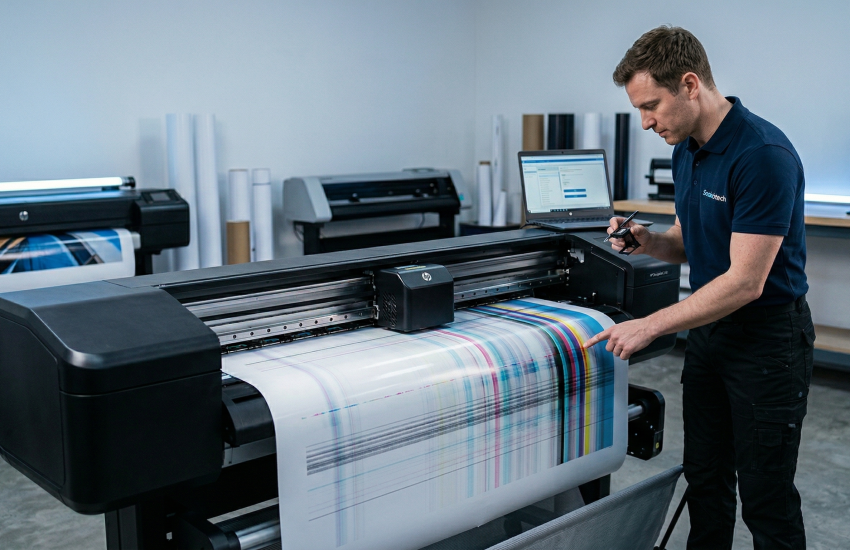
Plotter printing issues can interrupt your workflow and lead to unnecessary material waste. Detecting the problem early helps avoid costly damage and keeps your operations running smoothly.
Most Common Printing Problems
Common issues include misalignment, faded prints, streaking, and incomplete jobs. These symptoms often point to underlying mechanical or ink system problems.
Main Causes of Plotter Issues
Most printing problems are caused by clogged printheads, poor calibration, worn-out parts, or software glitches. Dust, temperature, and humidity can also impact performance.
Quick Fixes You Can Try
Start with basic troubleshooting such as cleaning printheads, checking ink levels, and running calibration. Restarting the system or updating firmware can also fix minor issues.
When to Call a Professional
If the issue continues after basic troubleshooting, it’s best to contact a technician. Professional diagnostics help resolve the problem correctly and prevent further damage.
Consistent print quality is critical for your business success.
👉 Need fast plotter repair? Call (214) 727-6289 for expert service.
